 Trainersplanner
Schedule coaches
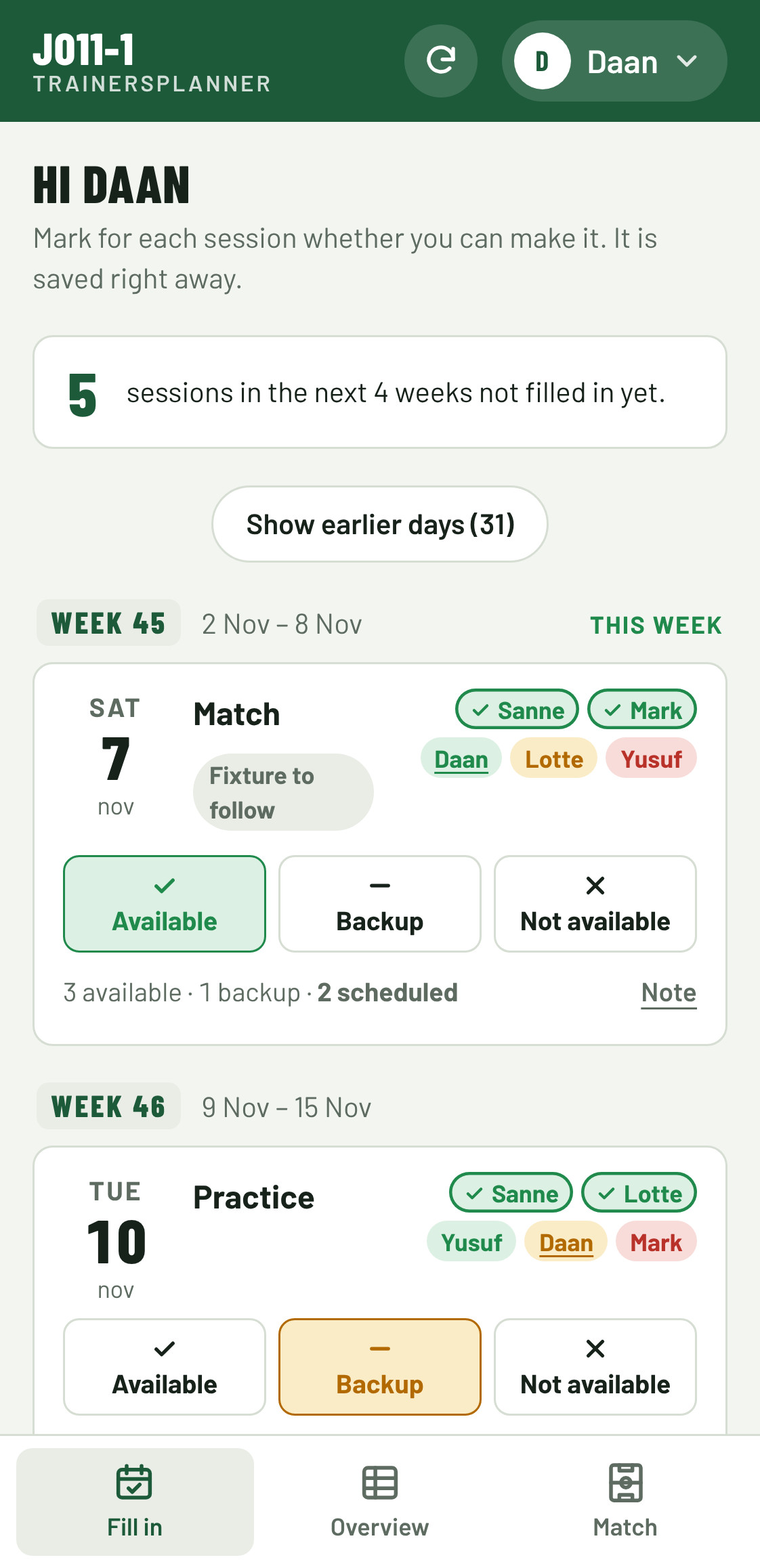
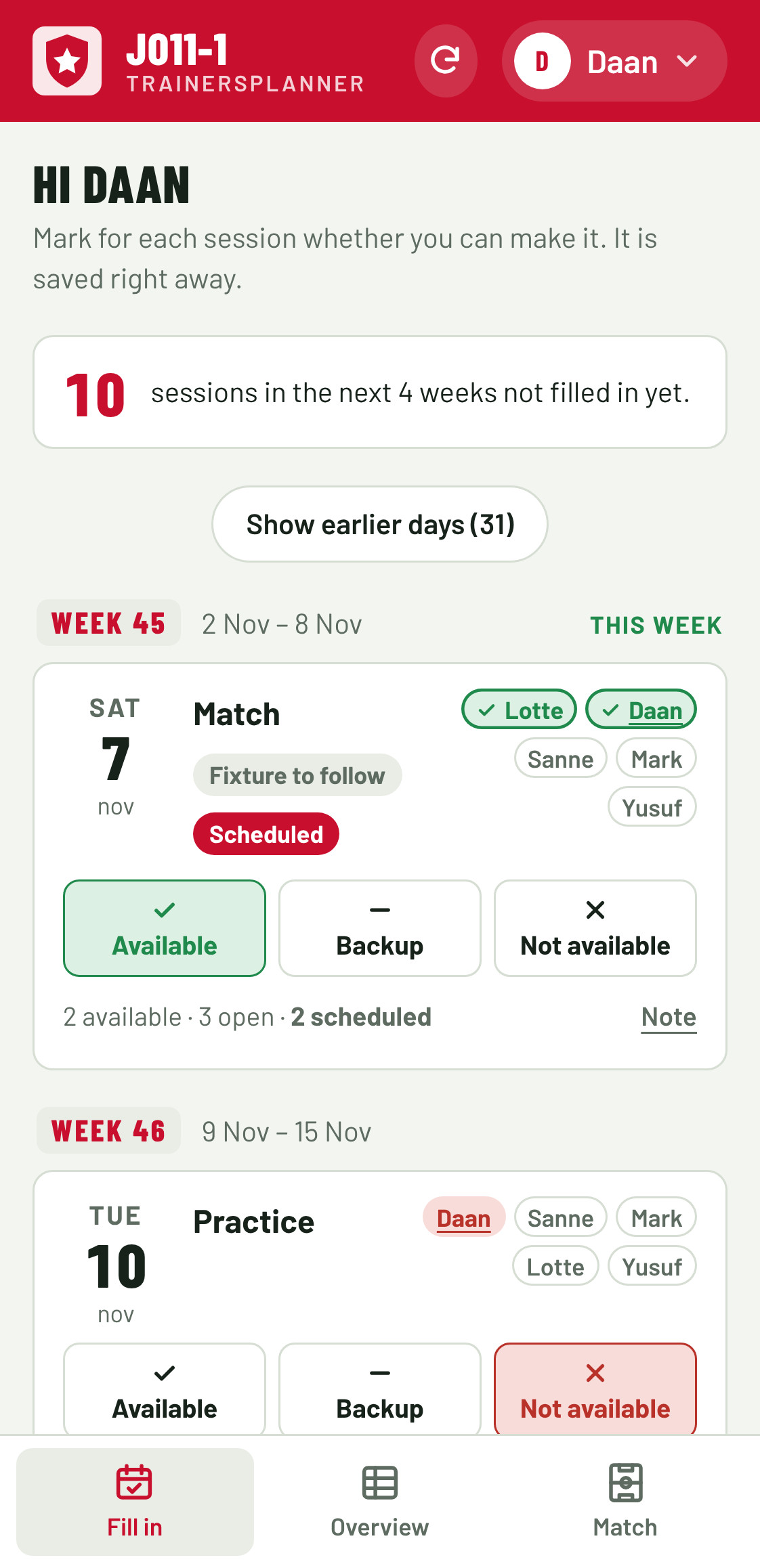
Coaches mark for each practice and match whether they can make it. The app schedules up to the minimum and shows where someone is still needed.
For every team sport
Who's coaching, who's on the pitch and who comes off? Trainersplanner schedules your coaches, builds the line-up and keeps track of subs, even during the match. Your turns show up in your calendar automatically.
Runs in the browser on phone, tablet and laptop. Nothing to install.
Features
From the coaching rota to the subs in the third quarter. All in one place, for every coach in the team.
Coaches mark for each practice and match whether they can make it. The app schedules up to the minimum and shows where someone is still needed.
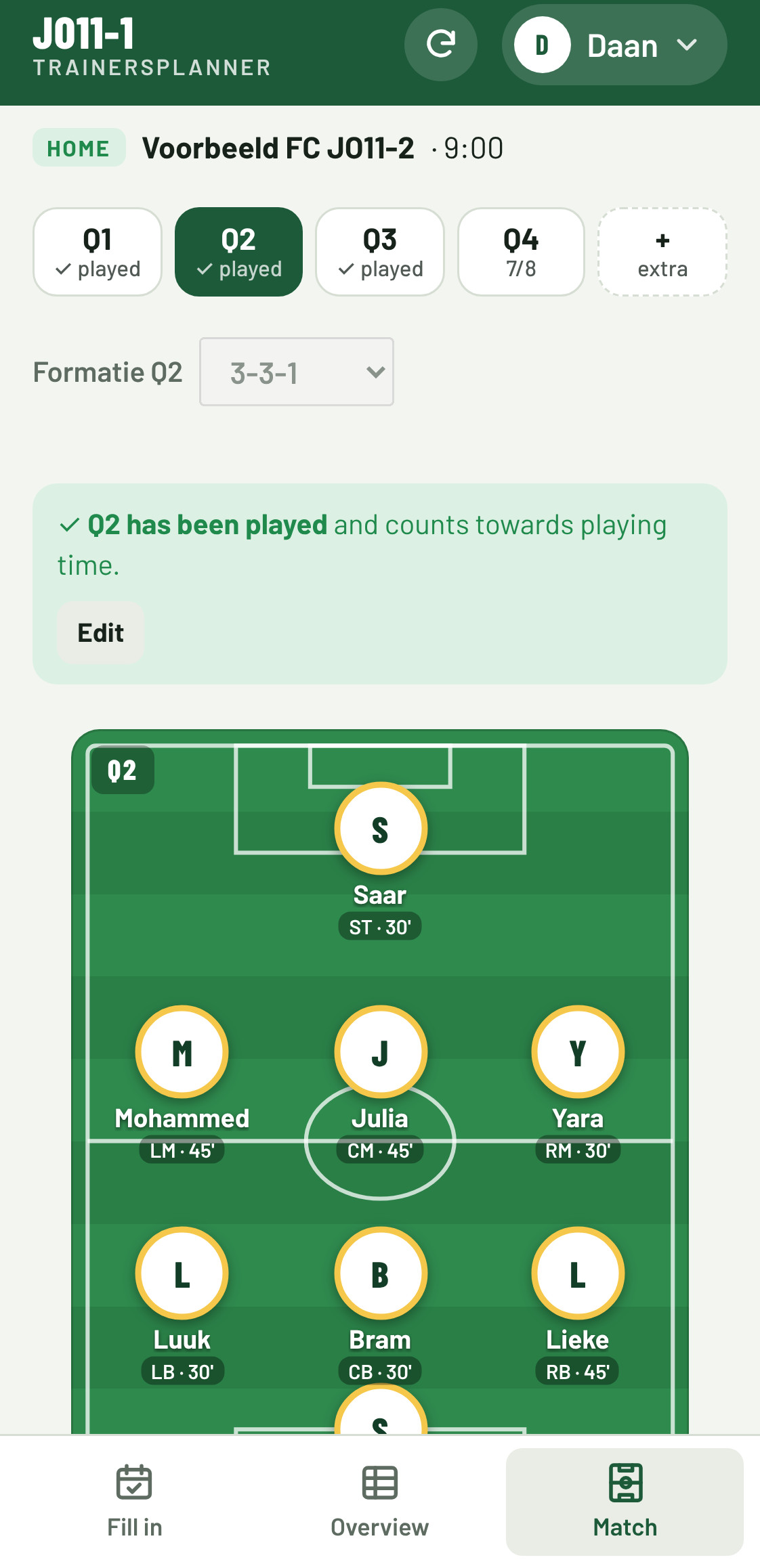
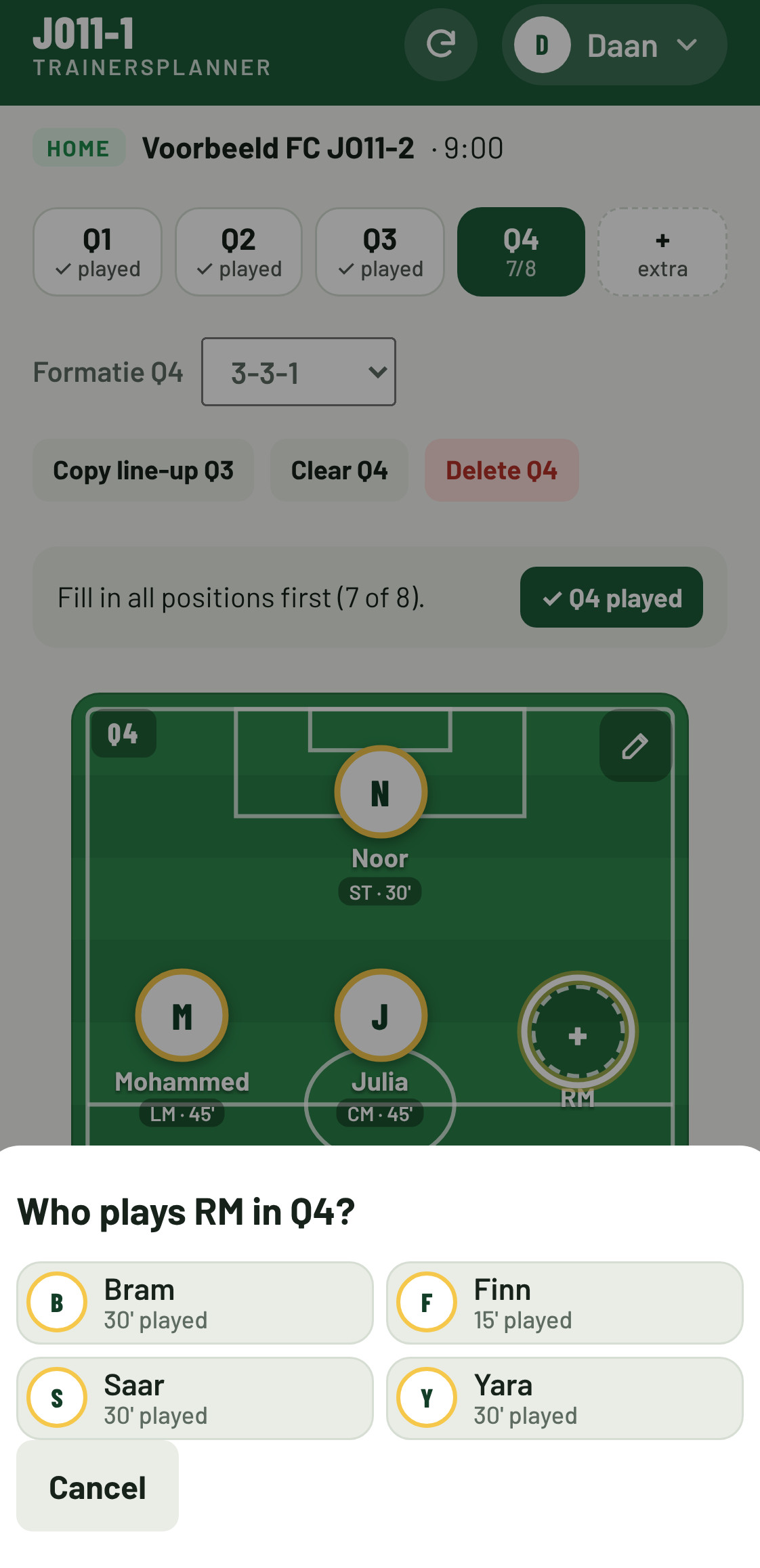
Put players on the pitch with your finger, per quarter or half. Copy last week's line-up and only change what's different.
Track who goes on and off from the sideline. Tap played after each quarter; fix a sub halfway through with − and +.
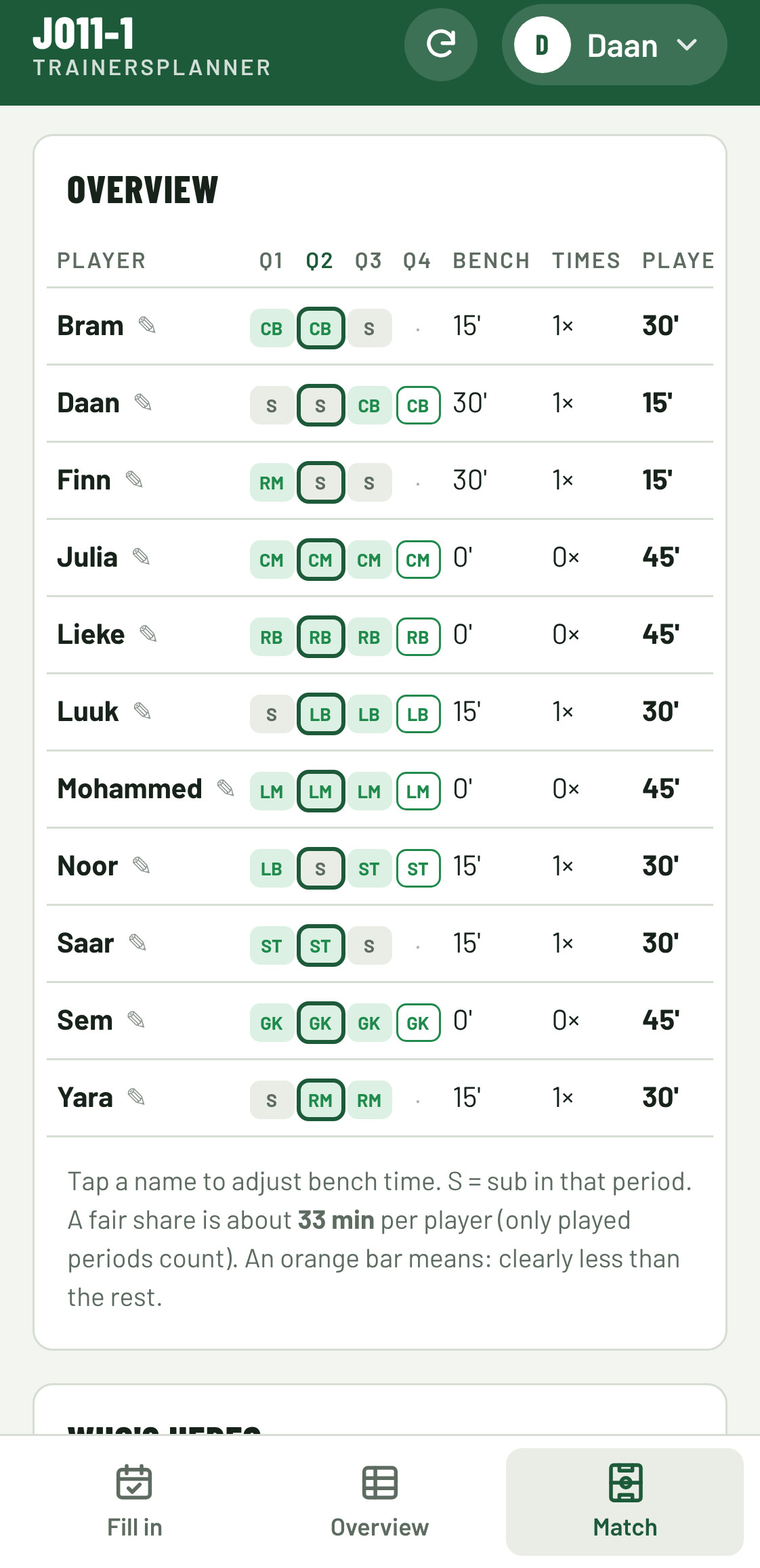
Minutes played, bench time and number of subs per player. You see straight away who has played less.
Practices and matches you're scheduled for appear in your calendar on iPhone, Google or Outlook. Changes too.
Link your league's calendar. Opponent, kick-off time and cancellations come in automatically every 3 hours.
A ready-made message with who still needs to fill in or who cancelled. One tap and it's in the group chat.
Pitches and formats for football, futsal, hockey, handball, korfball, basketball and ice hockey. Another sport? Set the number of players and formation yourself.
Match tab
Build the line-up at home on the couch and track subs from the sideline. After the match you see exactly who played how much.
Pitches and formats: FootballFutsalHockeyHandballKorfballBasketballIce hockeyCustom format
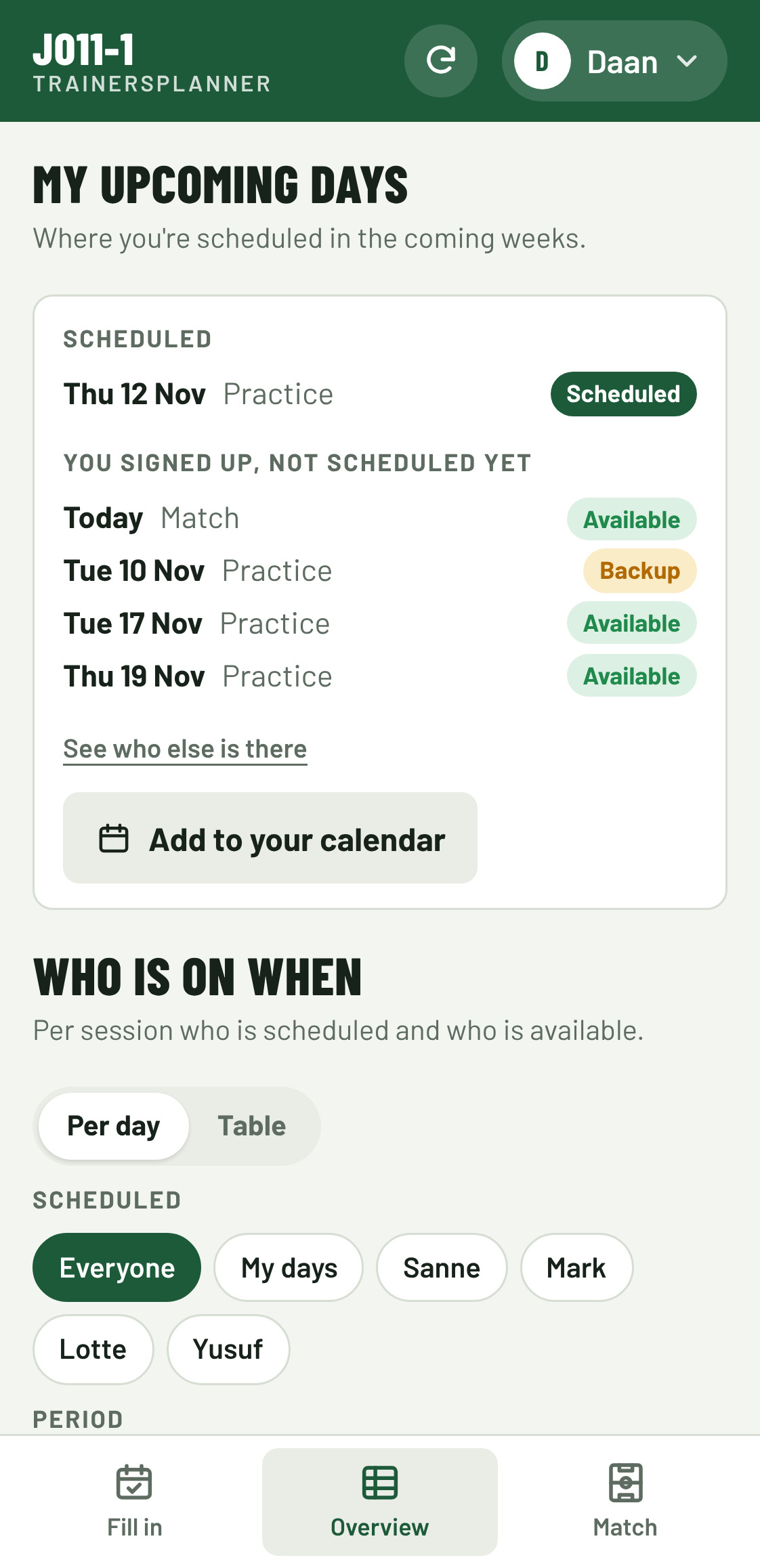
Calendar
No more copying practices into your own calendar. Once you're scheduled it's in there, and a moved practice or cancelled match updates by itself.
Getting started
The team manager shares one link in the group chat. Coaches tap their name and create a 5-digit personal code once. No account or password needed.
For every practice and match: available, backup or not available. A few taps a month.
The app schedules the coaches. On match day you build the line-up and track the subs.
Who it's for
For clubs
Paste the team list from a spreadsheet, share one club link and every team manager picks their own team. Holidays, free Saturdays and practice times are set up once for the club.
Flyers and promo materialBranding
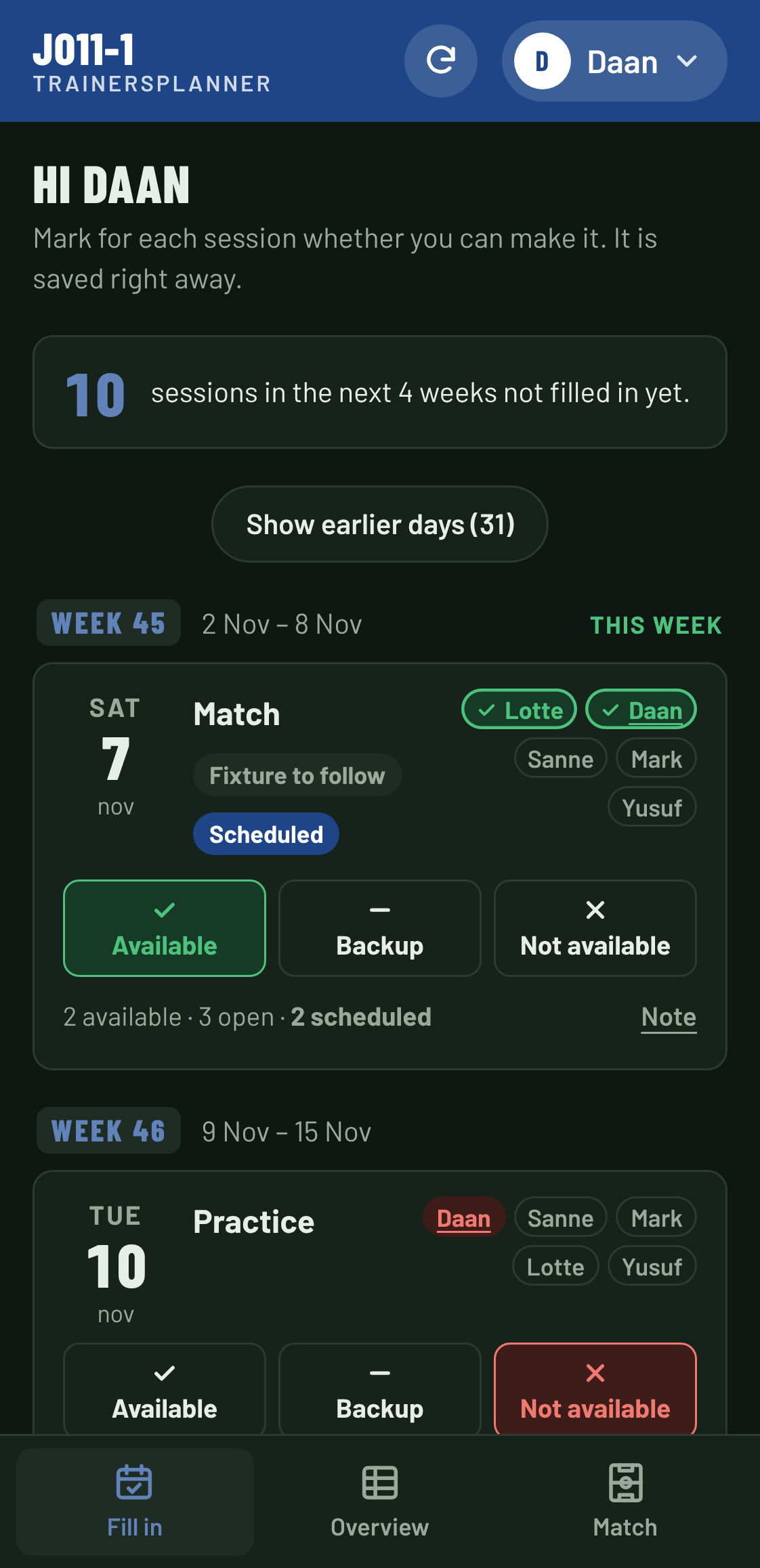
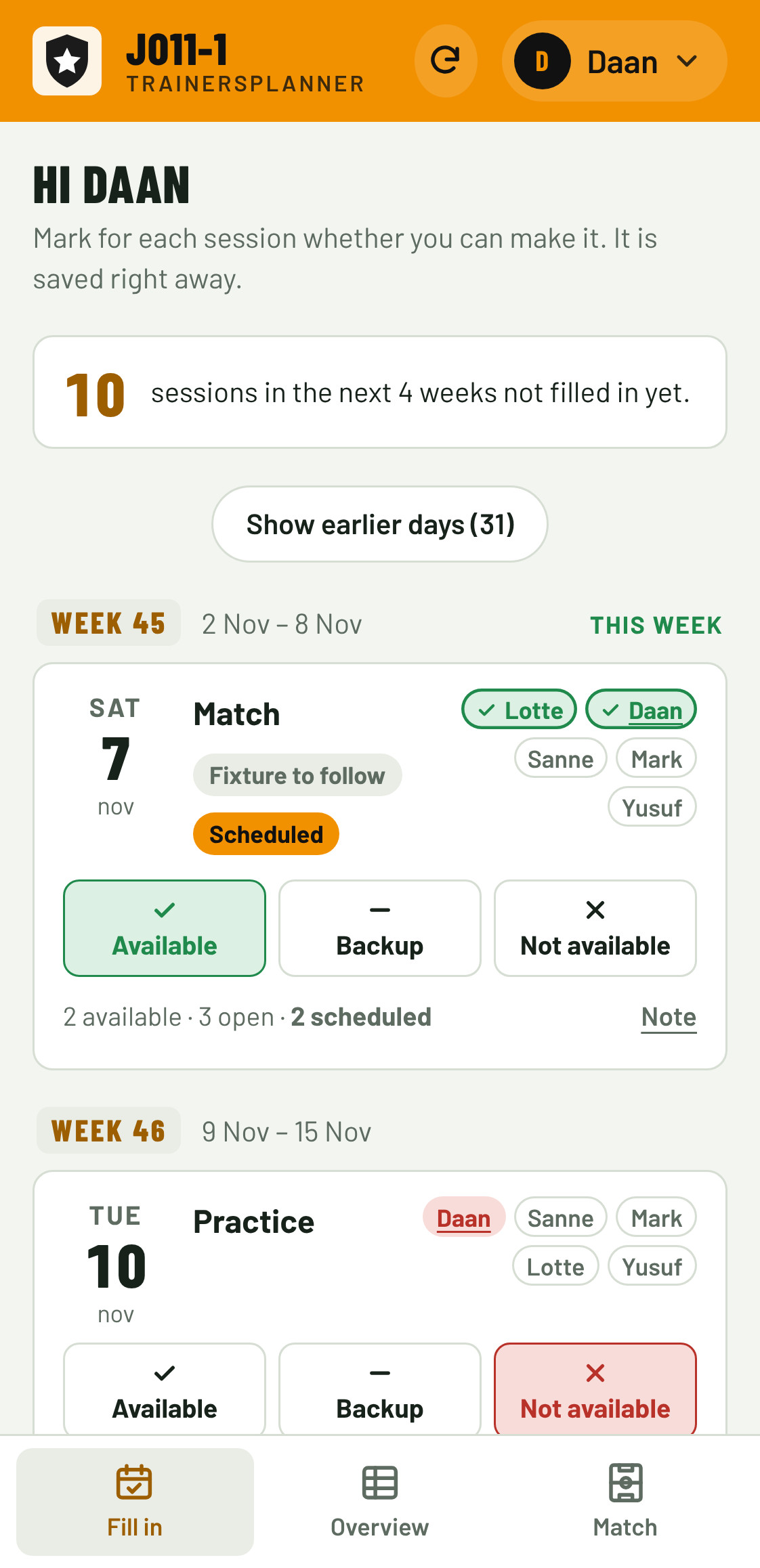
Give the app your club's or team's colour, logo and name. The header, buttons and highlights change straight away, and so do the flyers with QR code. With a light colour the text turns dark automatically, so everything stays readable.
Pricing
No strings attached. Well before the introduction period ends, you'll hear exactly what it will cost. Only then do you decide whether to continue; until then you pay nothing.
Free
Trainersplanner is free during the introduction period, expected to run until May 2027.
€/$ 2–3
Per team for 12 months, after the introduction. The exact price will follow.
Tailored
Want a licence for all teams in your club? Get in touch for a proposal.
Contact: info@trainersplanner.com
Sign up
A team is ready in a few minutes. Want to start with the whole club? We'll set it up together.
Are you a coach or team manager? Sign up your team yourself. You become the first team manager and then invite your coaches with one link.
Sign up a teamWant all teams in your club to start at once? Leave your details. We'll set up the club for you and get in touch.
Is your club already on board? Ask your team manager or club admin for an invitation.
FAQ
It's free during the introduction period, expected to run until May 2027. After that a team licence is expected to cost 2–3 euros or dollars per team for 12 months. Get in touch for a club licence.
Yes. Pitches and formats for football, futsal, hockey, handball, korfball, basketball and ice hockey are ready to use. For other team sports you set the number of players, formation and match length yourself.
Yes. Build a line-up per quarter or half, copy the previous one or last week's, and only swap who comes off. Tap played after each quarter and the playing time counts.
No. You create one 5-digit personal code. All your teams then sit under your name at the top right and you switch with one tap, even on a new phone or tablet.
Yes. With Add to calendar, the practices and matches you're scheduled for appear in your calendar on iPhone, Google or Outlook. Changes come through automatically.
Yes. The app follows your phone's language, and everyone can switch between English and Dutch via their name at the top right.
No. Trainersplanner runs in the browser. To keep it on your home screen: on iPhone tap Share in Safari and then Add to Home Screen; on Android choose Install app from the menu.
No. Coaches open their team's link, pick their name and create a 5-digit personal code once. It protects their name and shows all their teams on any device.
Only people with the team link. The app does not ask coaches for email addresses, and for players it only stores a name.